Payroll represents a significant expense for most organizations. Yet, in many businesses, payroll data reaches the Enterprise Resource Planning (ERP) system through a single manual journal entry at the end of each month.
This approach limits financial visibility, hiding essential information such as cost-centre splits, project allocations, provisions, and accruals.
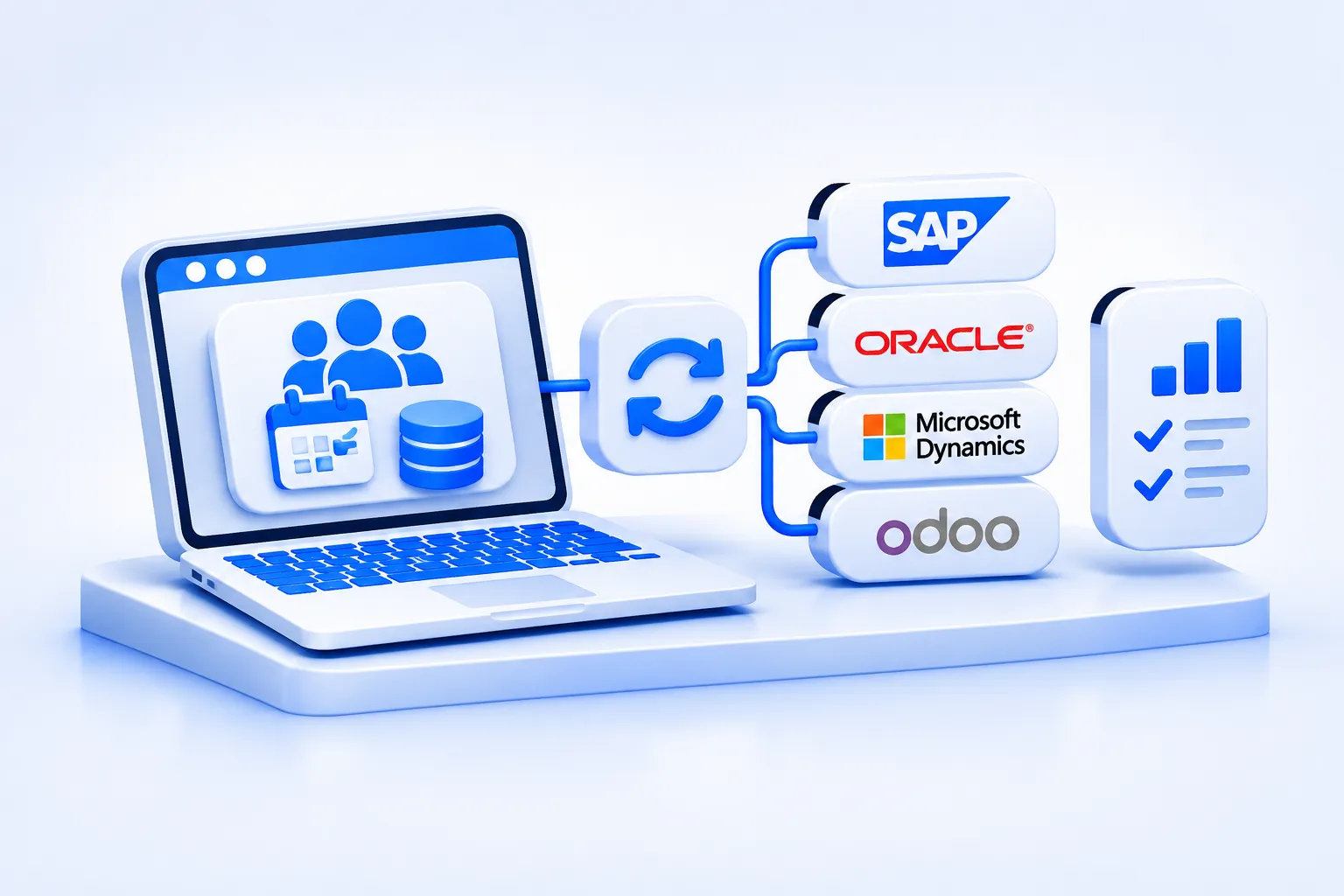
An effective payroll ERP integration connects HR, payroll, and finance, enabling organizations to transfer payroll data directly into their ERP's general ledger.
Whether your business uses SAP Business One, SAP, Odoo, Oracle, or Microsoft Dynamics, here's what you need to know about integrating payroll with your ERP.
Why Integrating Payroll with Your ERP Matters
When payroll and ERP systems operate independently, finance teams must manually transfer and reconcile payroll information.
This disconnect can lead to:
- Repetitive manual data entry.
- Inaccurate cost-centre allocations.
- Limited visibility into payroll expenses.
- Inconsistencies between payroll and financial records.
- Difficulties tracking provisions and accruals.
Connecting payroll with your ERP helps establish a consistent flow of financial information while reducing manual intervention.
The Three Essential Layers of Payroll ERP Integration
A successful payroll-to-ERP integration relies on three fundamental components.
1. Master Data Alignment
Employees, departments, and cost centres within the HR system must be correctly mapped to the corresponding dimensions in the ERP.
This ensures that each payroll element is allocated to the appropriate account, department, or cost centre.
2. Payroll Posting Rules
Each payroll element must be mapped to the appropriate debit and credit accounts within the organization's chart of accounts.
These elements can include:
- Basic salaries.
- Overtime payments.
- Allowances.
- Applicable GOSI contributions.
- End-of-service gratuity accruals.
Rules-based payroll posting provides finance teams with greater visibility into how payroll expenses are distributed across the organization.
3. Automated Data Transfer
Once payroll calculations are completed, financial postings should flow automatically into the ERP through an API or native connector.
Validation before posting helps ensure that payroll information is correctly structured before reaching the general ledger.
What to Look for in a Payroll ERP Integration Solution
Choosing the right payroll integration solution requires more than simply transferring data between two systems.
Organizations should prioritize the following capabilities:
Native ERP connectors
Direct integration with SAP Business One, SAP, Oracle, Microsoft Dynamics, or Odoo removes the need to manually re-enter payroll information from exported files.
Payroll period locking
Once a payroll period has been posted and locked, its underlying data should not change silently, helping maintain consistency between payroll and accounting records.
Multi-company support
Organizations operating across multiple legal entities need a payroll solution that accommodates different charts of accounts and currencies.
Audit trails
A clear audit trail connecting employee records to financial journal entries helps finance teams trace and review payroll transactions.
Common Payroll ERP Integration Mistakes to Avoid
Even when payroll and ERP systems are connected, poor integration planning can create unnecessary complications.
Three common mistakes include:
- Integrating too late: Defining payroll posting rules after the payroll system is already in production.
- Insufficient account mapping: Posting all salary expenses into a single account instead of providing the level of detail finance teams require.
- Ignoring payroll reversals: Failing to establish a clear posting process for payroll corrections and off cycle runs.
Addressing these requirements early helps organizations build a more reliable payroll integration process.
How Magnar HCM Integrates Payroll with SAP, Odoo, Oracle and Microsoft Dynamics
Magnar HCM's Integration Hub was designed to connect payroll management with financial operations across major ERP systems.
Its integration capabilities include:
- Rules-based general ledger (GL) posting.
- Integration with SAP Business One, SAP, Odoo, Oracle, and Microsoft Dynamics.
- Company-specific charts of accounts.
- Multi-company payroll management.
- Payroll period locking.
- A full audit trail from employee records to journal entries.
By connecting payroll calculations directly with financial postings, Magnar HCM helps organizations reduce manual data entry and maintain consistency between HR and finance.
Simplify Payroll and ERP Integration with Magnar HCM
Payroll and finance should operate as connected processes, not isolated functions.
With Magnar HCM, organizations can connect payroll to their existing ERP, streamline general ledger postings, and gain greater visibility into workforce costs.
Whether your organization uses SAP Business One, SAP, Odoo, Oracle, or Microsoft Dynamics, Magnar HCM helps bridge the gap between payroll and financial management.
Looking for a trusted payroll ERP integration solution?
Discover how Magnar HCM can connect your payroll and ERP systems, giving your finance team reliable payroll data without repetitive manual entry.